Snap it, upload it.
Upload photos from your computer, or scan with your phone and watch them land automatically as you shoot. CardBinder auto-crops every image, as long as you shoot on a dark background with good lighting.
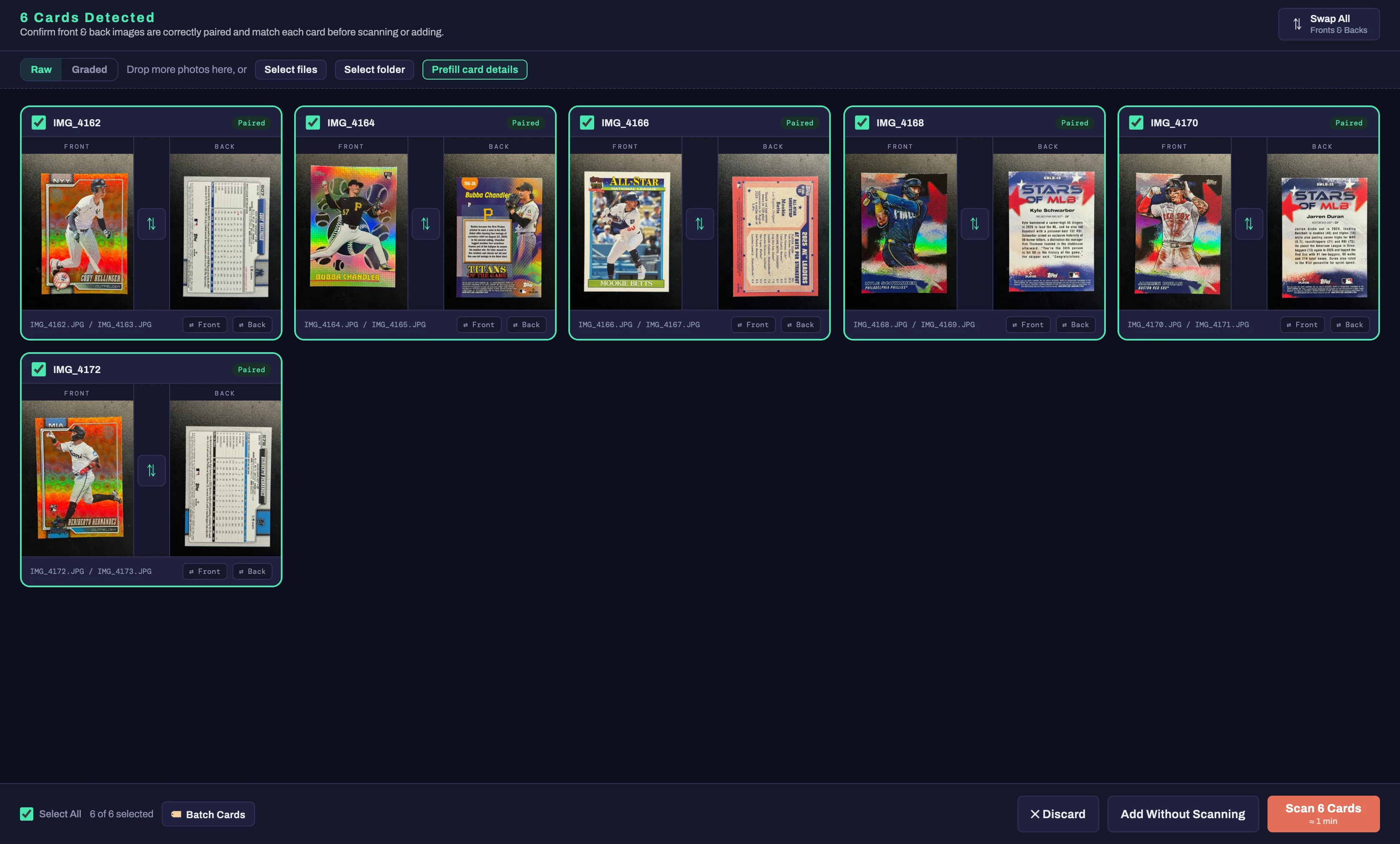
Every step in the path a card takes through CardBinder, from the moment you photograph it to the moment it sells.
Upload photos from your computer, or scan with your phone and watch them land automatically as you shoot. CardBinder auto-crops every image, as long as you shoot on a dark background with good lighting.
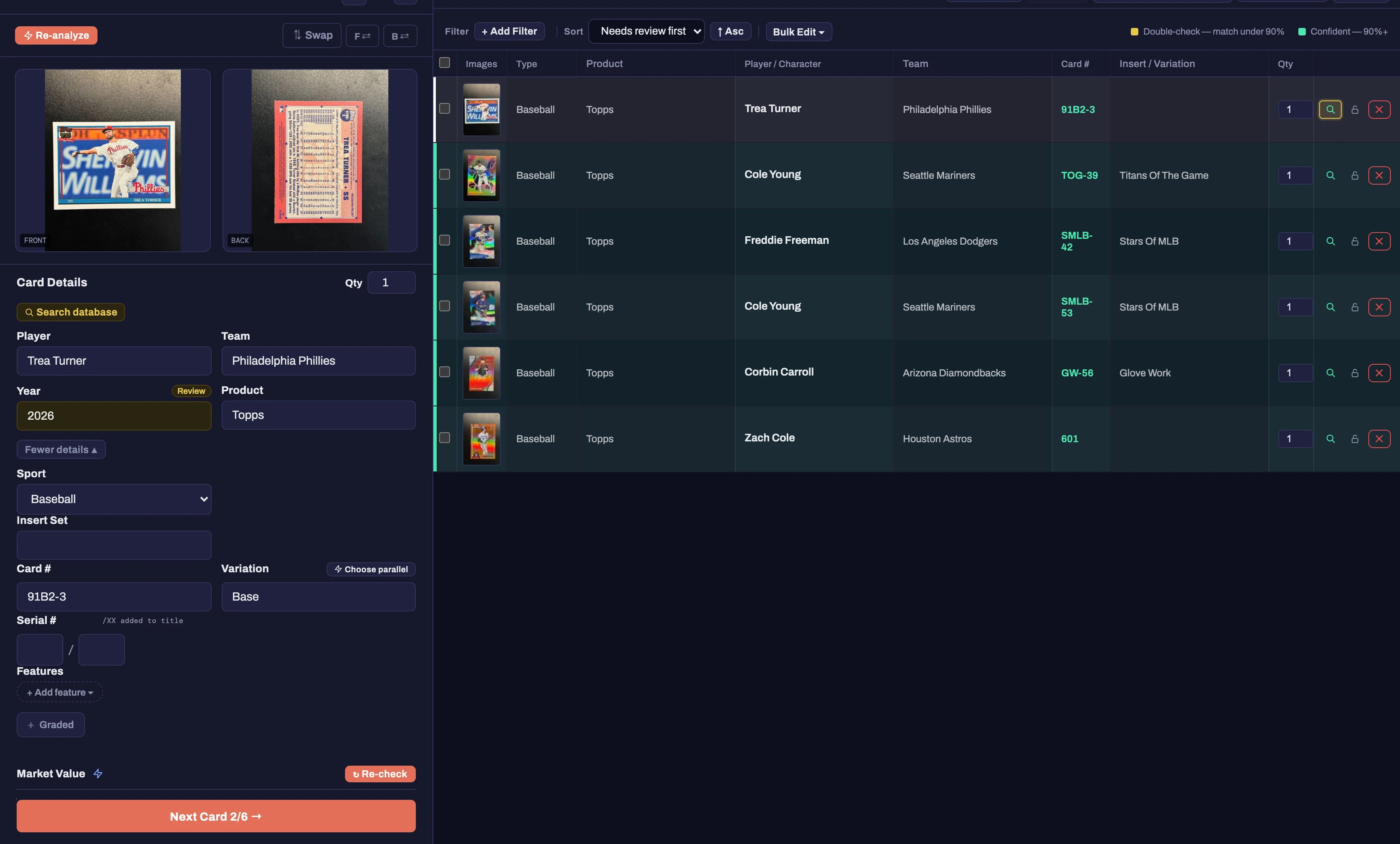
CardBinder image-matches every card against our catalog, then you review the details and confirm everything's right. Any field can be edited. If the match itself is wrong, search the database yourself and pick the correct card from the matches we found.
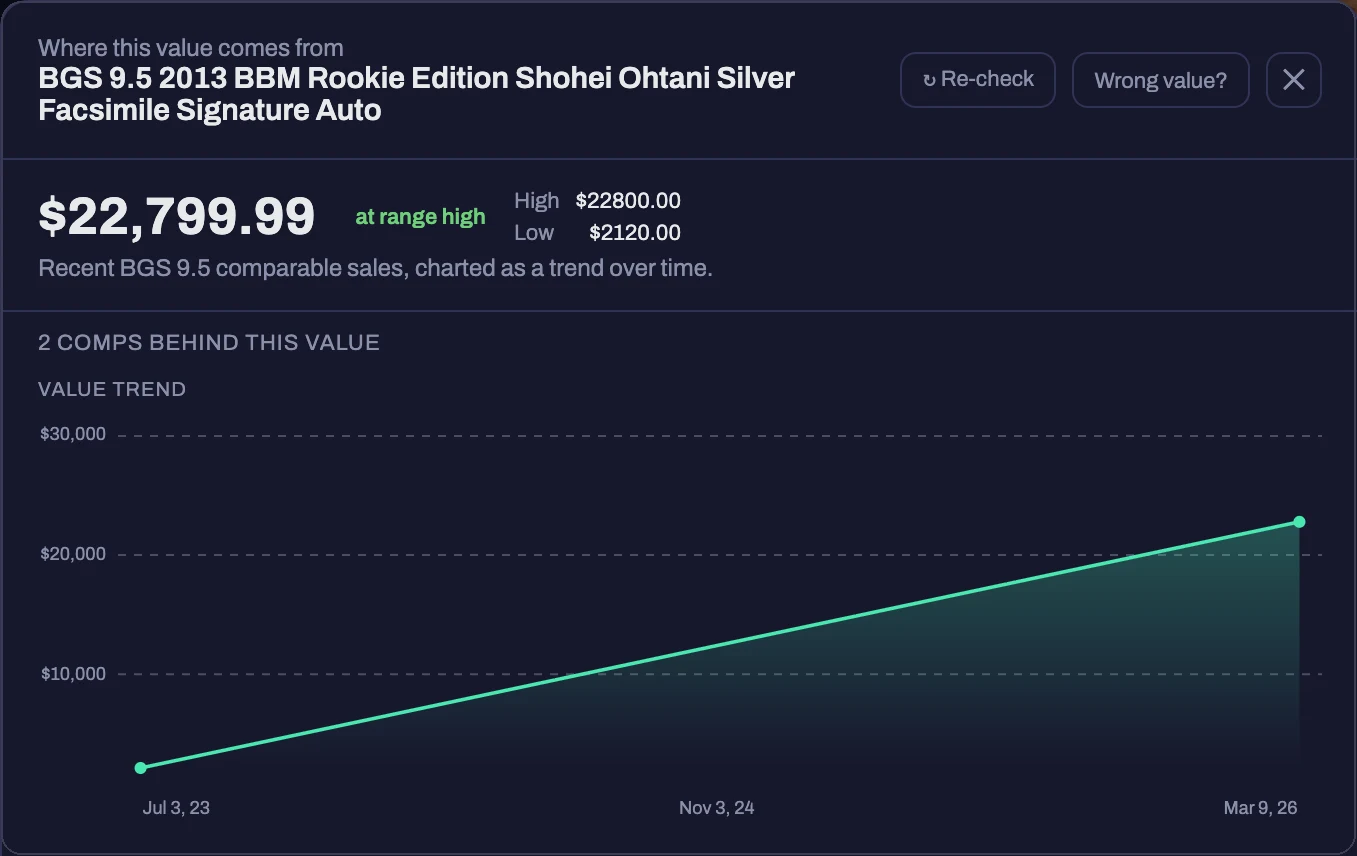
The same database carries market values, so once a card is identified you see its value and how it's moved. No confident value on file? Search active listings and set the price off what other sellers are asking, or enter it yourself.
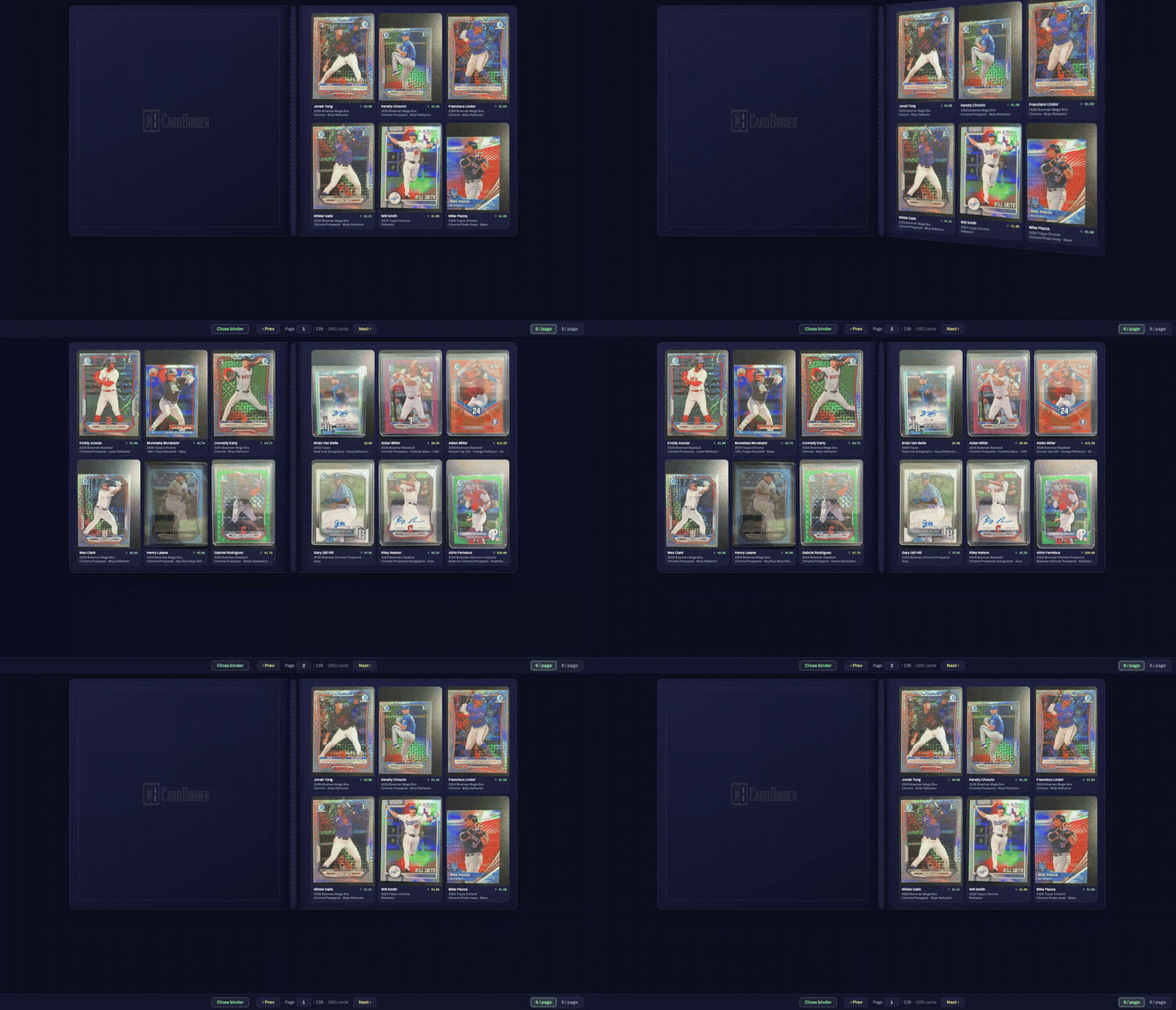
Add cards to your Binder, a page-by-page collection you actually flip through, like the one you had growing up. Available on the mobile app and the desktop dashboard, always in sync.
Connect your eBay account and add cards to Inventory. Inventory and Binder are separate by design: add a card to both if you want, but a card you're only collecting never has to touch Inventory, and a card you're only selling never has to touch your Binder.
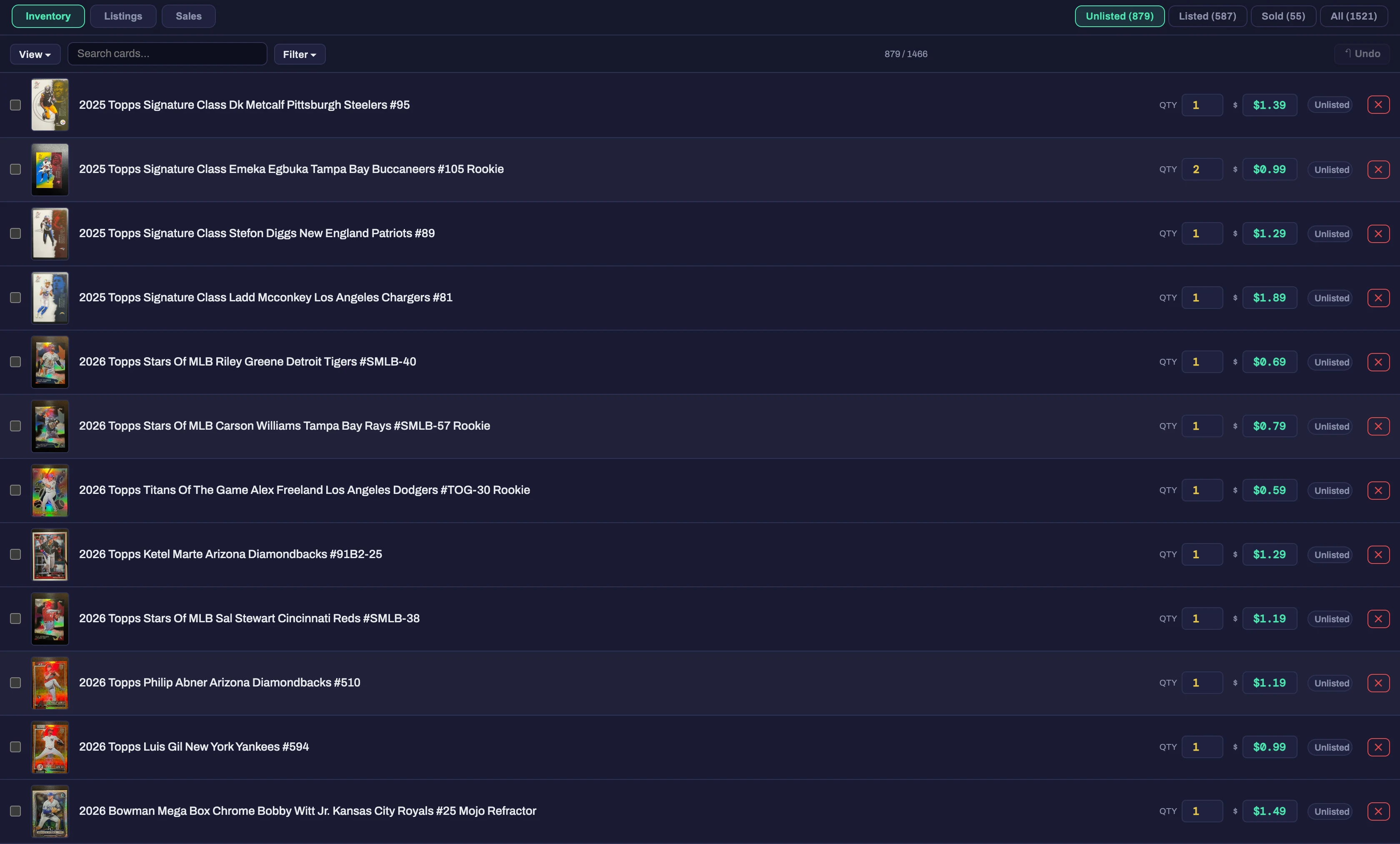
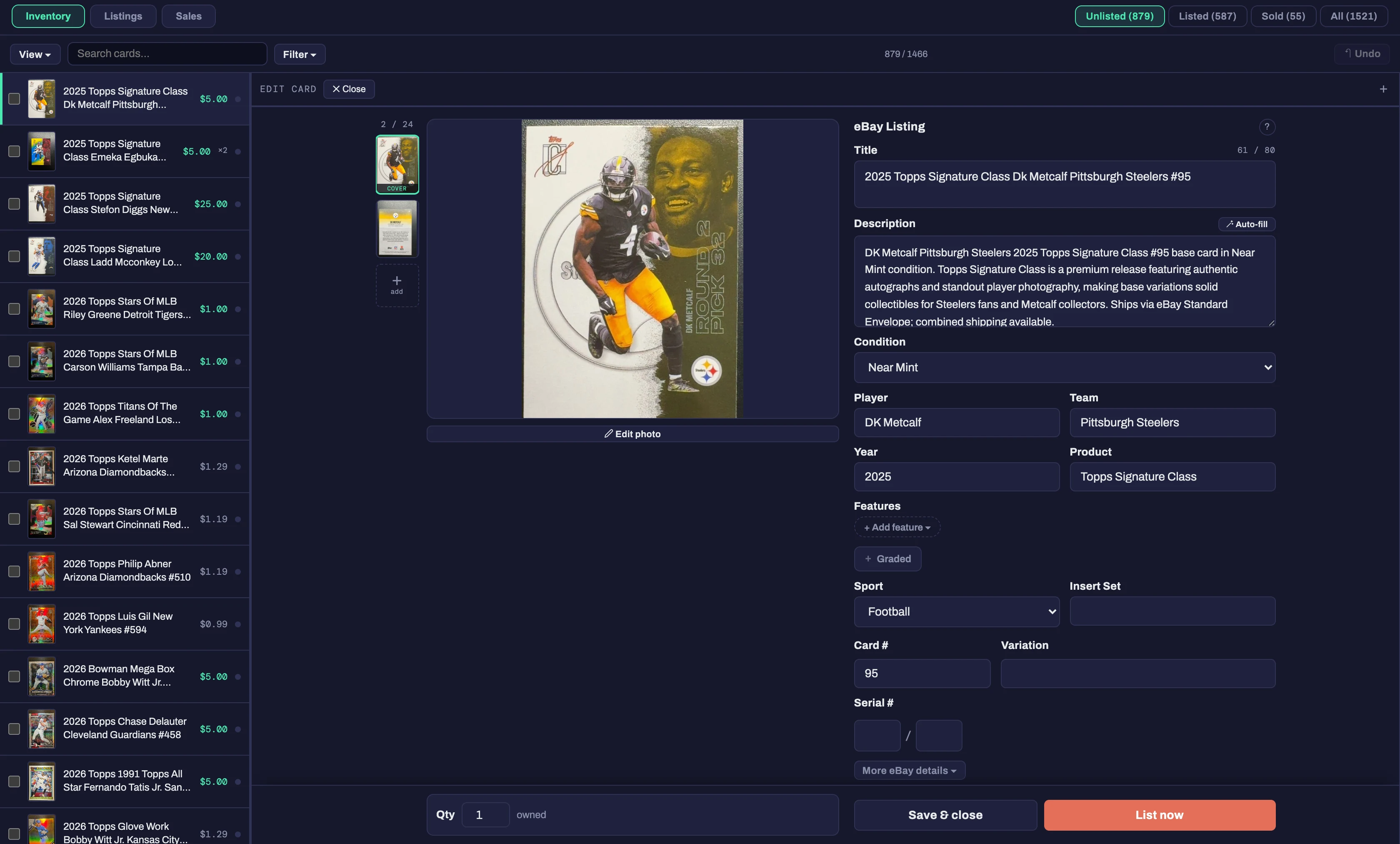
List straight from Inventory, one card or a whole batch, right now or scheduled ahead. CardBinder automatically generates the title and imports all of your business policies. Just add a description, set the weight and shipping method. CardBinder's scheduler is fully yours to set: how many list per day, which days, and what time they go live.
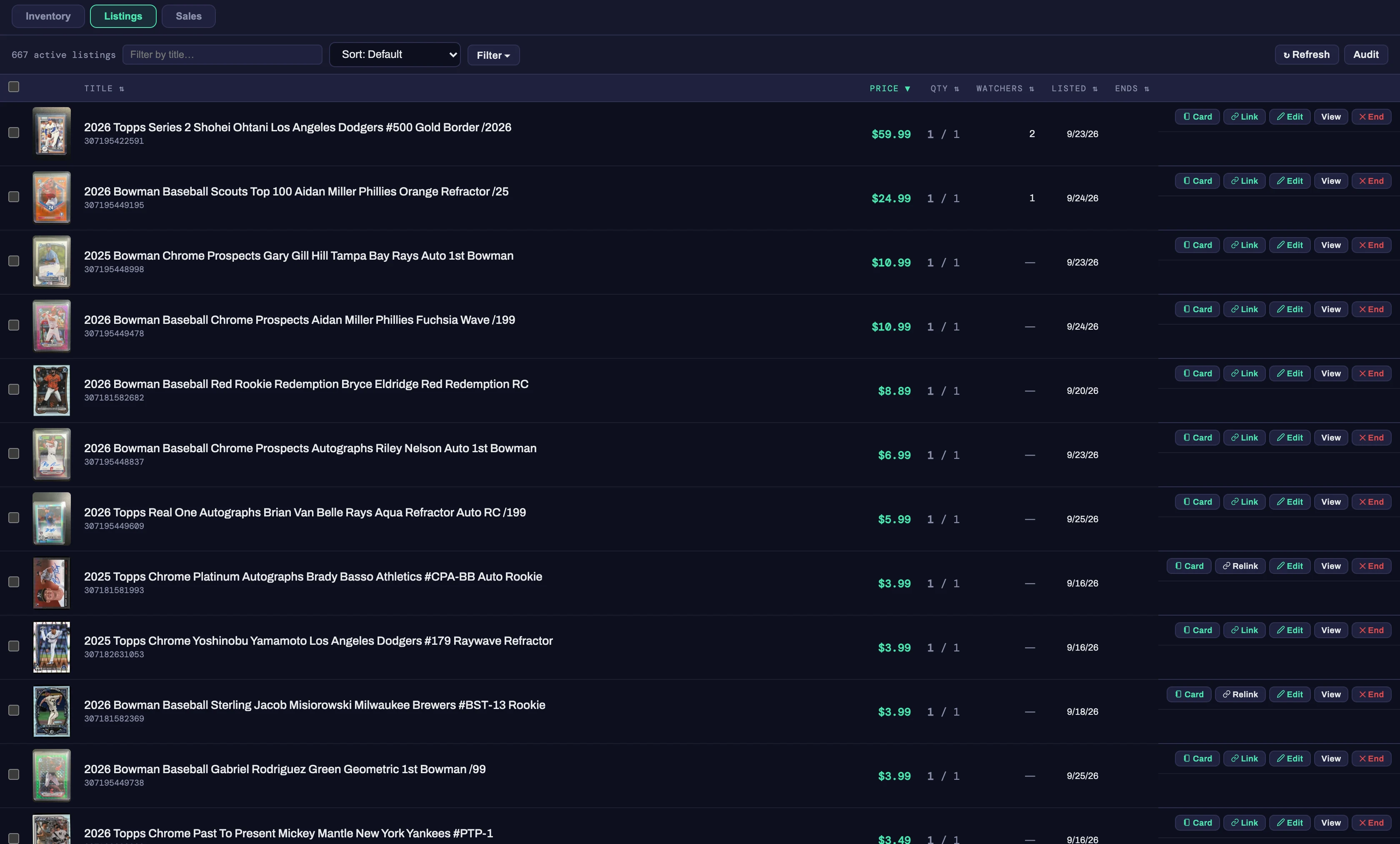
Once a card is live, manage the listing straight from CardBinder: price, title, end it, whatever you need.* CardBinder also flags listings that are getting old or priced above comps, and both thresholds are yours to set: how many days old, and how far over comp.
*Shipping labels still have to be purchased and printed from eBay's own Seller Hub.
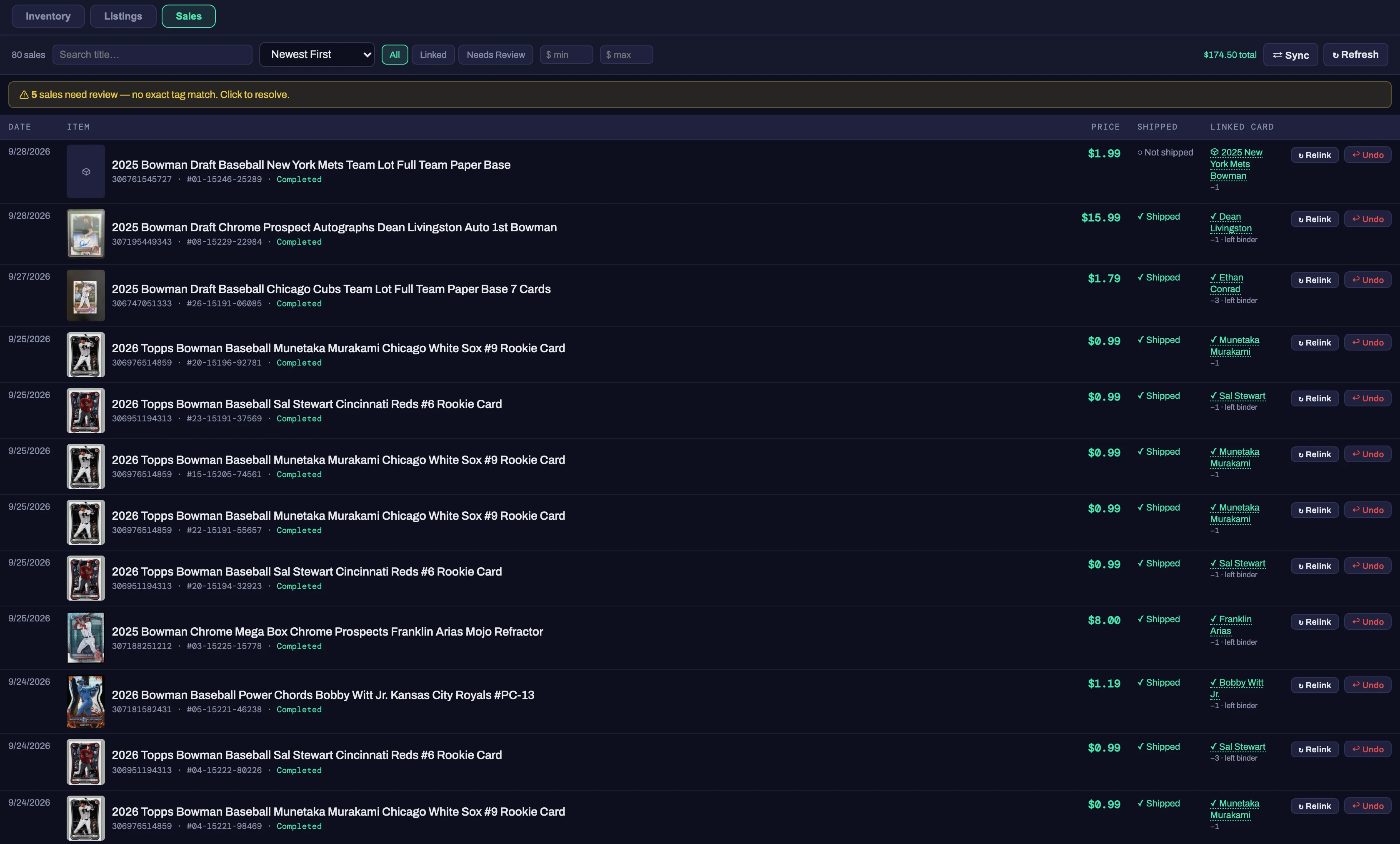
The integration goes past listing. When a card sells on eBay, CardBinder deducts it from Inventory and Binder automatically, and lets you know when a card sells out, so you can remove it or update the quantity without adding it back by hand.
The binder, cataloging, eBay listing and photo storage are free forever. Your first 25 AI scans are on us, no credit card.